
Your own personalised stalker
It always seemed slightly creepy that your computer shows advertising that is strangely accurately targeted at things you might have been interested in. On the surface, that seems quite useful. If you have to tolerate ads on your screen, at least having them show things you were interested in seems helpful.
Instead, we wonder how the system knows. It feels like a breach of our privacy.
It all starts when you install an app, and it pops up a question asking for permission to use your location, and/or your camera and/or your microphone.
This is useful for advertisers. For example, they can use your location. If the app reports this back to the content provider, they can match up your location and compare you to other people nearby. If you tend to go to the same places as other people, you are probably interested in the same things, so an advertiser might use that assumption to present advertising to you, or other people that you spend time with.
That does sound a bit overreaching, but we reluctantly agree to the presented terms simply because we want to use the app. If that is a condition of use, and we want to use the app, then we agree.
So, now we are seeing consumers getting the choice to push back.

Apple
Now, with iOS15, Apple are saying that you will get to see what apps are accessing your data. You will be able to see when an app used that permission, and there it was sent to. Whether that list of third party sites is any use or not is meaningful is unclear.
Not quite as advanced but following quickly behind is Google Android. With Android 12, you will have the option to de-personalise your data. They will still track usage, but won’t link it back to you.
Is there any truth to the rumour that your phone or TV is listening to you, and presented content based on private conversations it overhears?
Given how poor the voice recognition is on phones , cars, or tools like Alexa or Siri, its pretty evident this can’t be reality. If it, is, then heaven only knows what it thinks it’s hearing. The voice recognition tools are getting better all the time, but there is a long way to go.


Fighting Back Against Phishing: A Report Button in Outlook
A one-click Phishing Report button is coming to Outlook for KARE Foundation clients. Why reporting beats deleting.
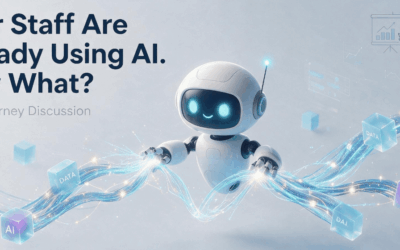
Webinar Replay: Your Staff Are Already Using AI. Now What?
A 30-minute webinar on the AI Maturity Model: where your business is with AI today and what to do next.

Protect Sensitive Information Before AI Surfaces It
Copilot makes oversharing easier to see. How Sensitivity Labels and Data Loss Prevention help protect sensitive information in Microsoft 365.
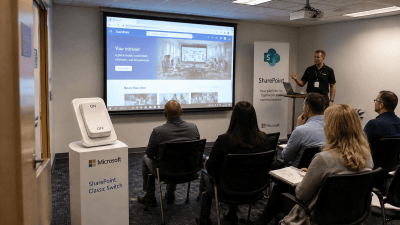
Classic SharePoint pages are being retired. Here’s what to do about it
Microsoft is retiring Classic SharePoint pages, Publishing sites and custom scripts. Here are the key dates and a practical plan to get ahead of it.
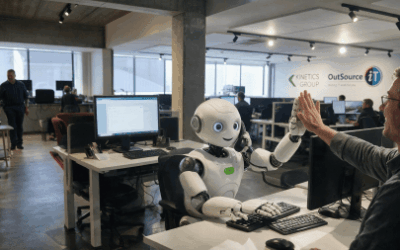
How We’re Using AI Inside Kinetics Group Today
Three practical AI tools we use every day, what is coming next, and how AI has changed the way we build software.

AI Is Moving Fast. Don’t Panic
Dramatic AI headlines are everywhere. Here is a calmer, practical way for businesses to think about AI.
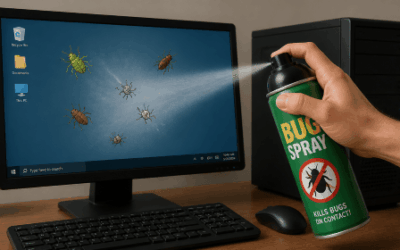
Where Do Software Bugs Come From?
From a moth in the Harvard Mark II in 1947 to modern cloud apps: where software bugs come from and how they get caught.
Webinar Replay: Passkeys Explained, the Simpler, Safer Way to Sign In
Bill Lunam and Garreth Keet explain passkeys, Microsoft’s retirement of SMS and voice MFA, and how to roll passkeys out in your business.

7 New Copilot Features That Quietly Changed the Game
Cowork, Coworker, Analyst, Researcher, agents, memory and Notebooks: seven newer Copilot features and how businesses can use them.
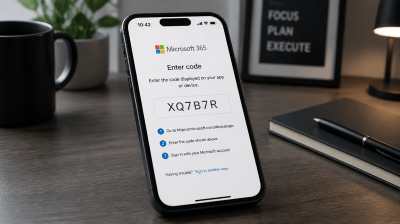
Device code sign-in: the Microsoft 365 attack that gets past MFA
Device code sign-in is convenient for Teams Rooms and smart TVs, but attackers now use it to get around MFA. Here’s how it works and what we’re doing about it.