
Data Leak Protection (DLP)
is the name of several policies in Office 365, setting up what data can, and can’t be, shared and with whom.
Imagine being able to automatically identify private information like passport numbers, Health IDs or bank account details and make sure that those are only being shared with people that are authorised to see them.
The good news is that you can do this with 365, provided you turn on the policies and set them up correctly, and monitor when data is shared.
Under the NZ Privacy Act, we’re all expected to take care of personal data entrusted to us and to make sure it’s only used for the purpose for which is being obtained.
With Office 365, there’s no excuse for that to be breached provided that we understand what data should be kept, what might be kept incorrectly, and how its being shared. With this we can set up rules to monitor your Office 365 system and report on how records are shared.
We include a basic set up of DLP in our KARE for Security S2 plan to get you started.

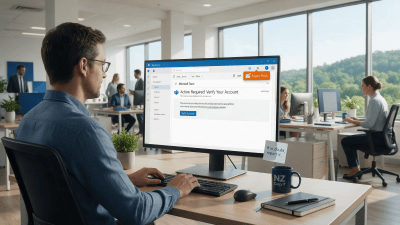
Fighting Back Against Phishing: A Report Button in Outlook
A one-click Phishing Report button is coming to Outlook for KARE Foundation clients. Why reporting beats deleting.

Webinar Replay: Your Staff Are Already Using AI. Now What?
A 30-minute webinar on the AI Maturity Model: where your business is with AI today and what to do next.

Protect Sensitive Information Before AI Surfaces It
Copilot makes oversharing easier to see. How Sensitivity Labels and Data Loss Prevention help protect sensitive information in Microsoft 365.
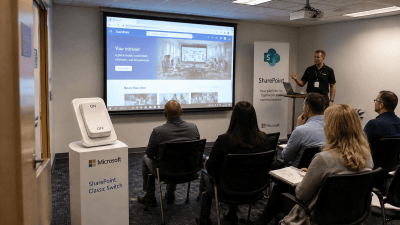
Classic SharePoint pages are being retired. Here’s what to do about it
Microsoft is retiring Classic SharePoint pages, Publishing sites and custom scripts. Here are the key dates and a practical plan to get ahead of it.

How We’re Using AI Inside Kinetics Group Today
Three practical AI tools we use every day, what is coming next, and how AI has changed the way we build software.

AI Is Moving Fast. Don’t Panic
Dramatic AI headlines are everywhere. Here is a calmer, practical way for businesses to think about AI.
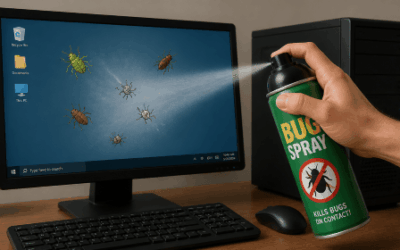
Where Do Software Bugs Come From?
From a moth in the Harvard Mark II in 1947 to modern cloud apps: where software bugs come from and how they get caught.
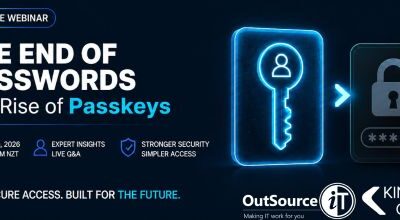
Webinar Replay: Passkeys Explained, the Simpler, Safer Way to Sign In
Bill Lunam and Garreth Keet explain passkeys, Microsoft’s retirement of SMS and voice MFA, and how to roll passkeys out in your business.

7 New Copilot Features That Quietly Changed the Game
Cowork, Coworker, Analyst, Researcher, agents, memory and Notebooks: seven newer Copilot features and how businesses can use them.
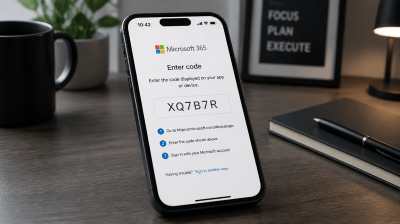
Device code sign-in: the Microsoft 365 attack that gets past MFA
Device code sign-in is convenient for Teams Rooms and smart TVs, but attackers now use it to get around MFA. Here’s how it works and what we’re doing about it.